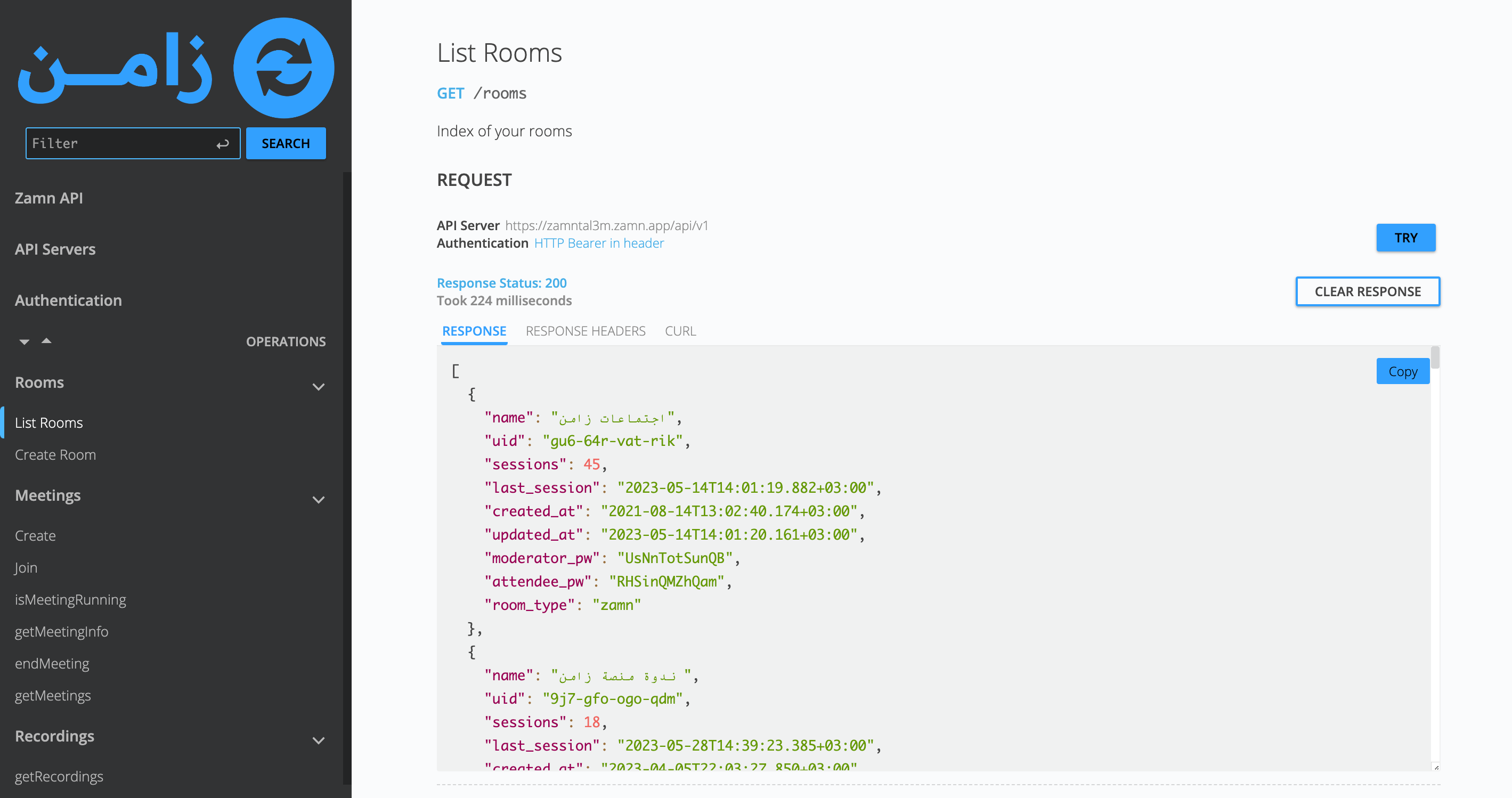
Zamn API
The API integration with Zamn virtual rooms is only available in these plans: Advanced, Professional (5 rooms) and Professional + (10 rooms).
The API integration lets you connect your website or app to Zamn virtual rooms. The developers on your team program your website or app to talk to the rooms.
How to get the API key
-
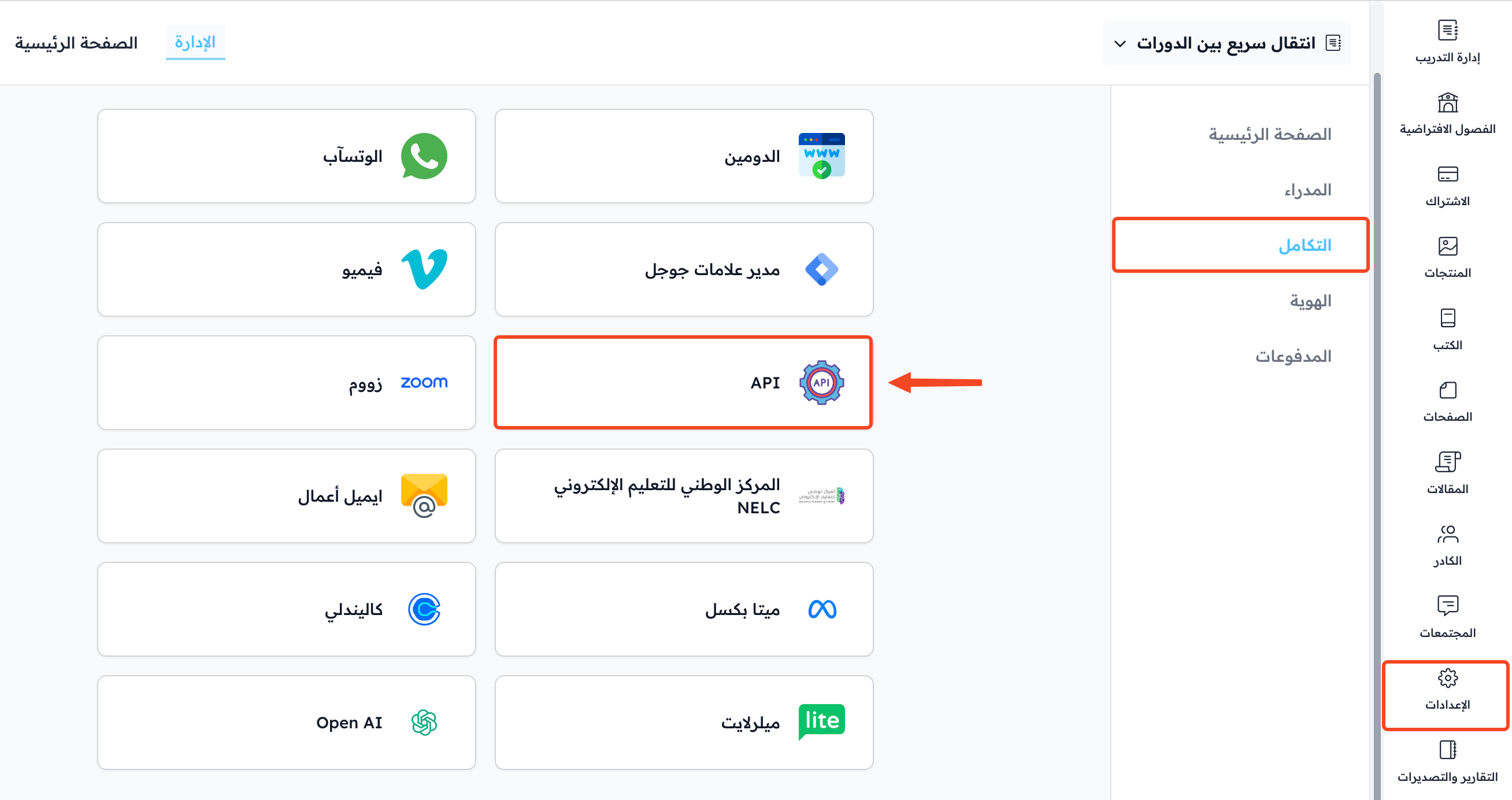
From the dashboard, choose Settings.
-
Go to Integrations.
-
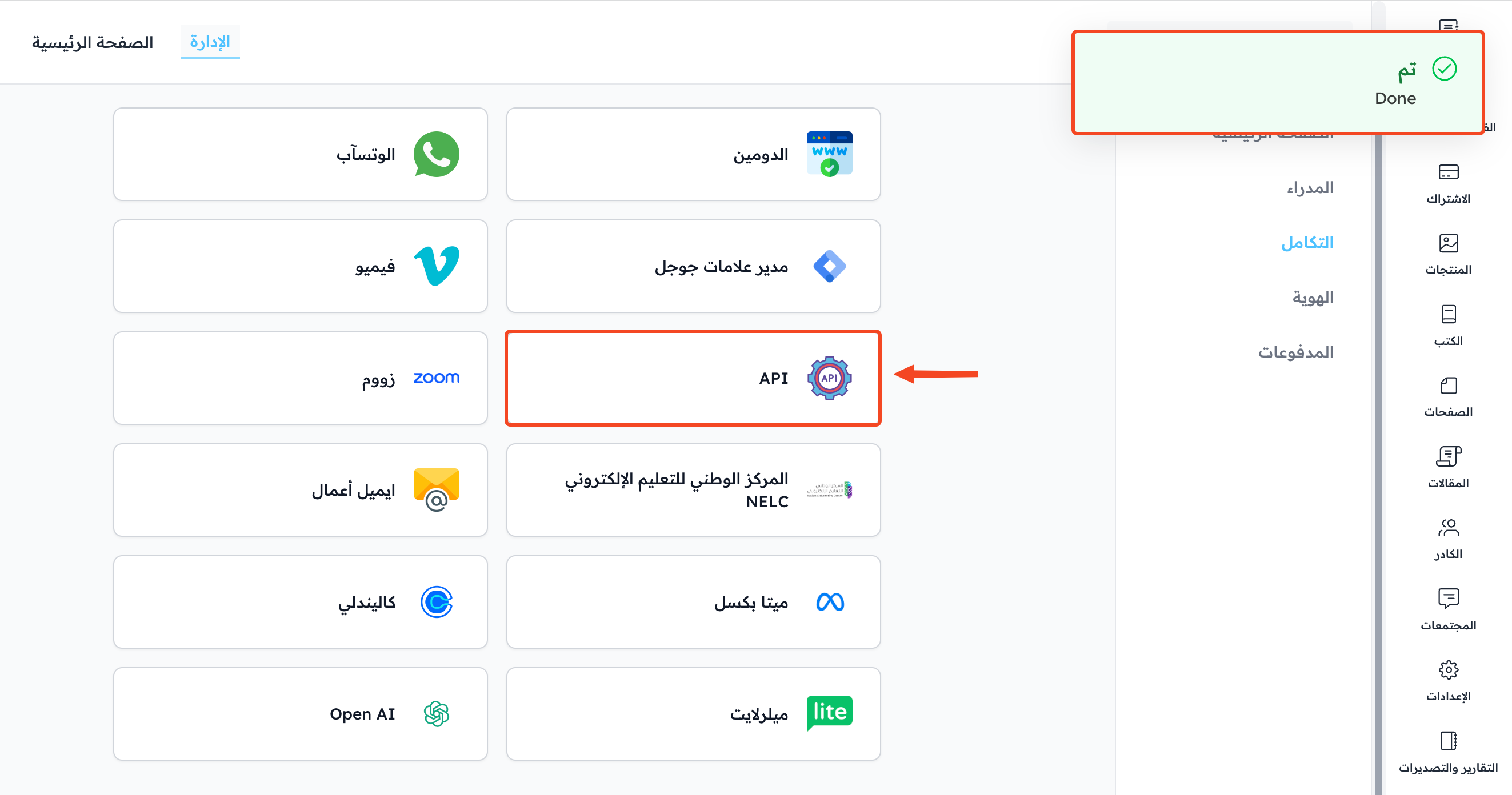
Click API.
-
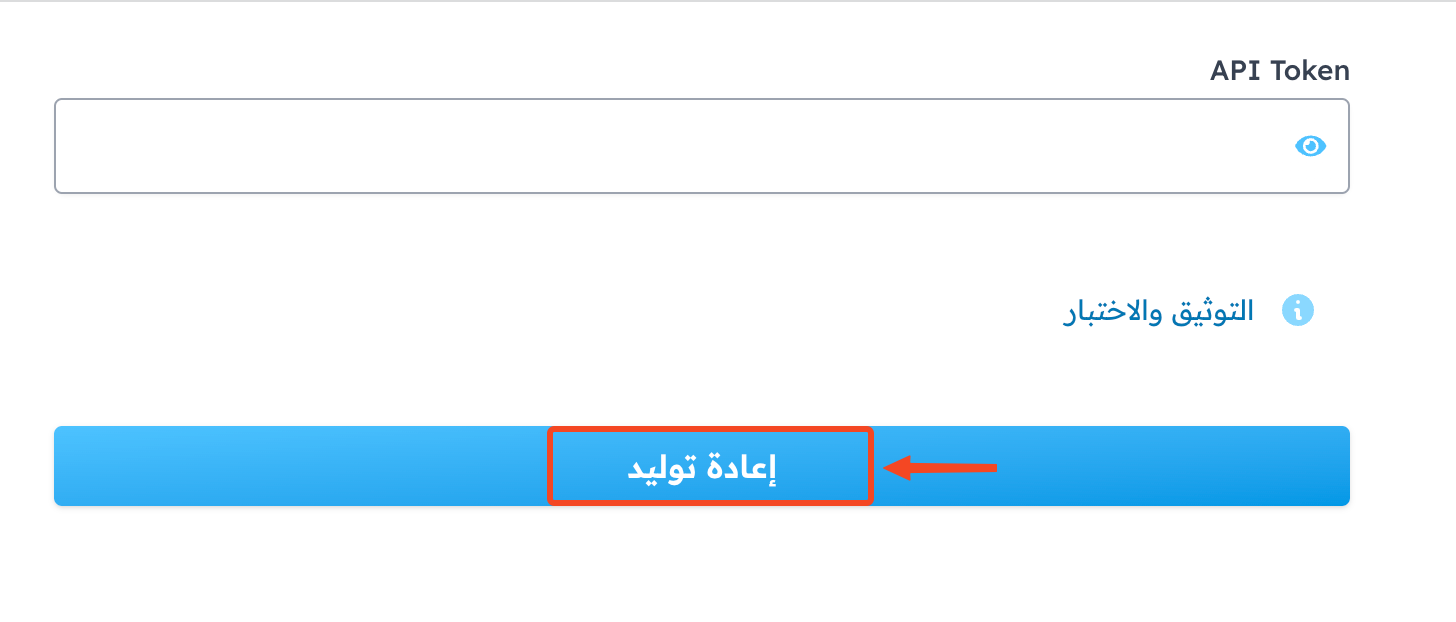
Click Regenerate.
-
A confirm window shows. Click OK.
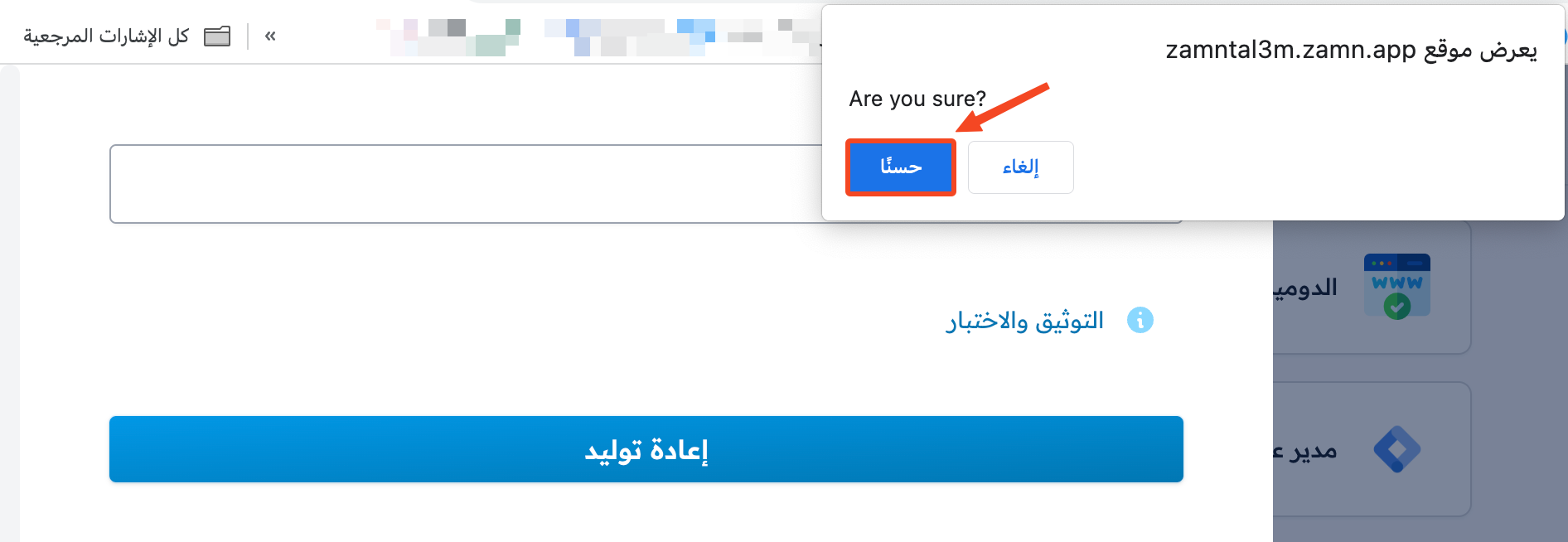
When the key is made, a success message shows.
-
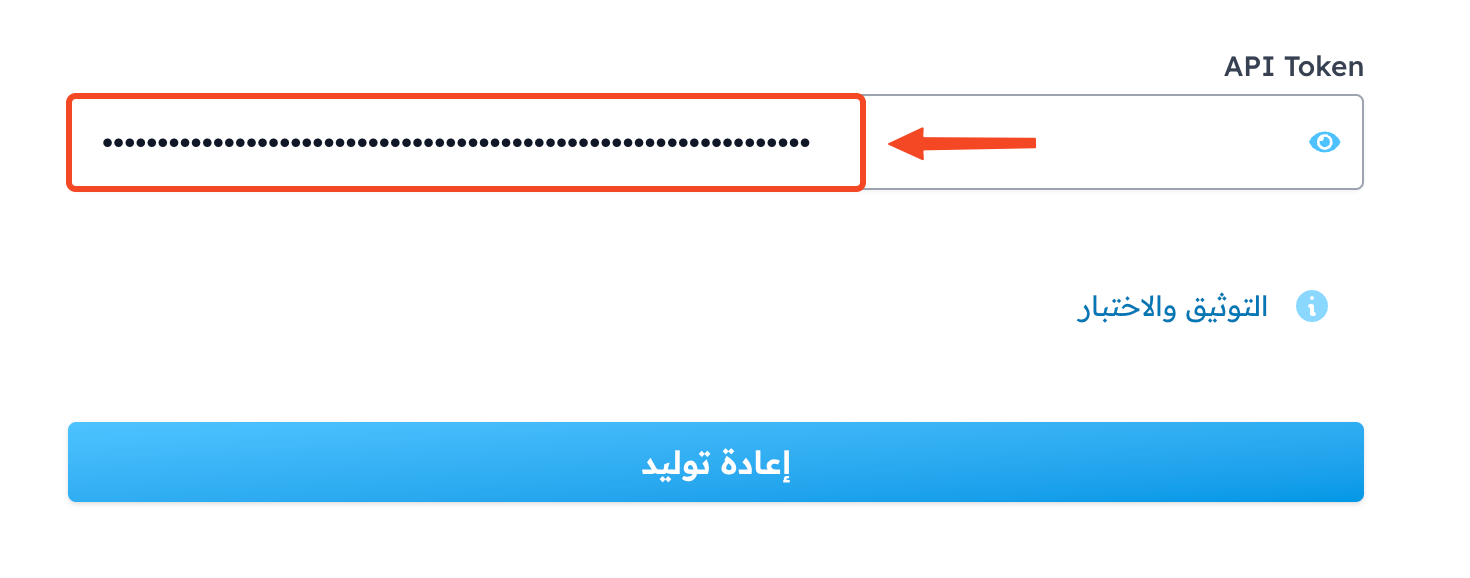
Click API again.
-
Click the eye icon to show the key, then select it and copy it to use in your integration.
Test the connection from the docs page (for developers)
-
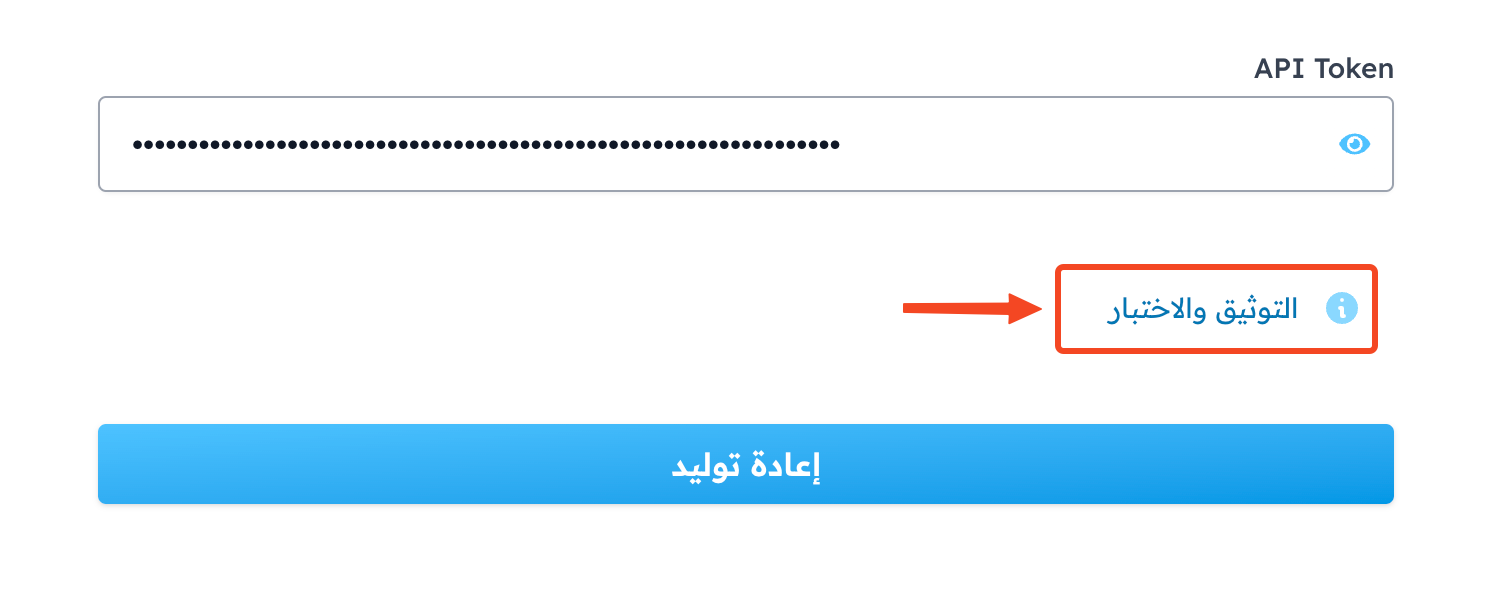
Click API Docs.
-
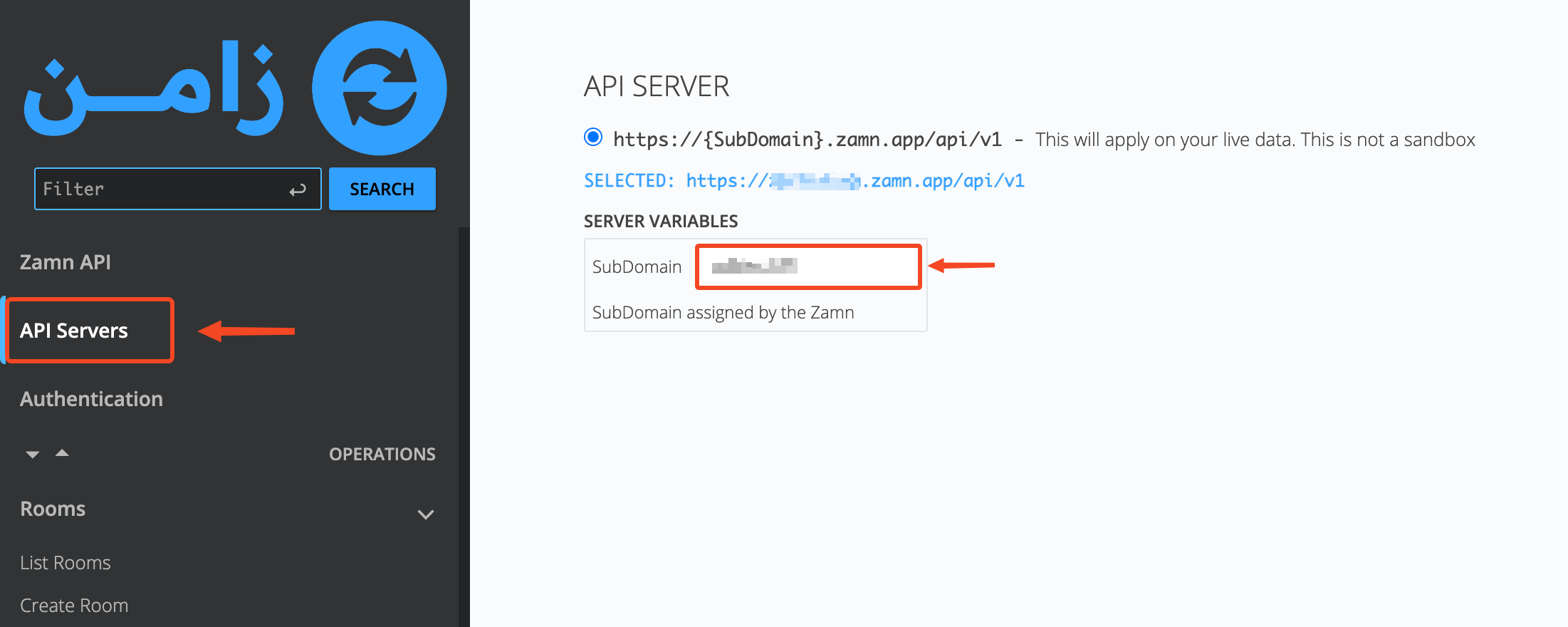
Go to the API Servers section.
-
Type the subdomain of your platform in the SubDomain field.
-
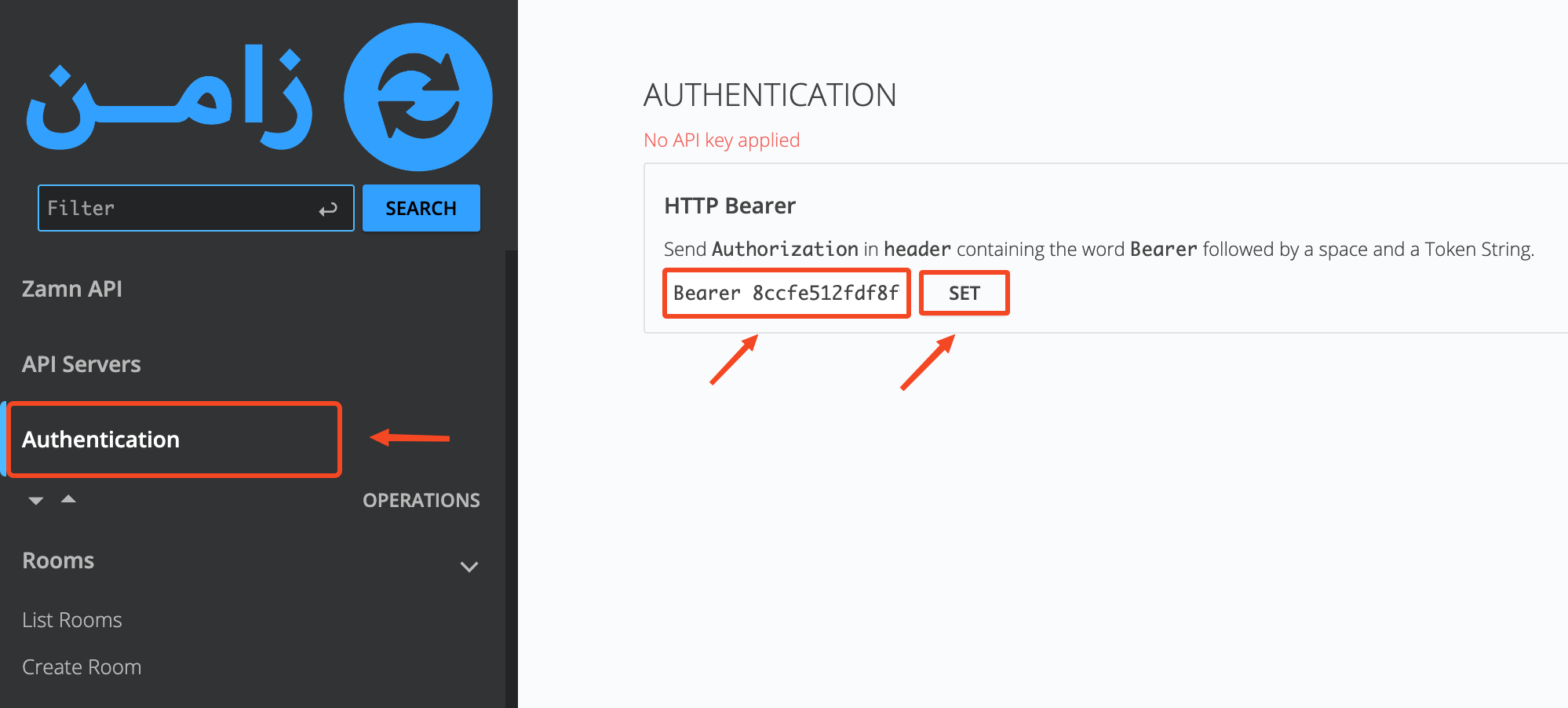
Go to the Authentication section.
-
To sign in, paste the API key you copied into the field, then click SET.
-
Go to List Rooms, then click TRY.
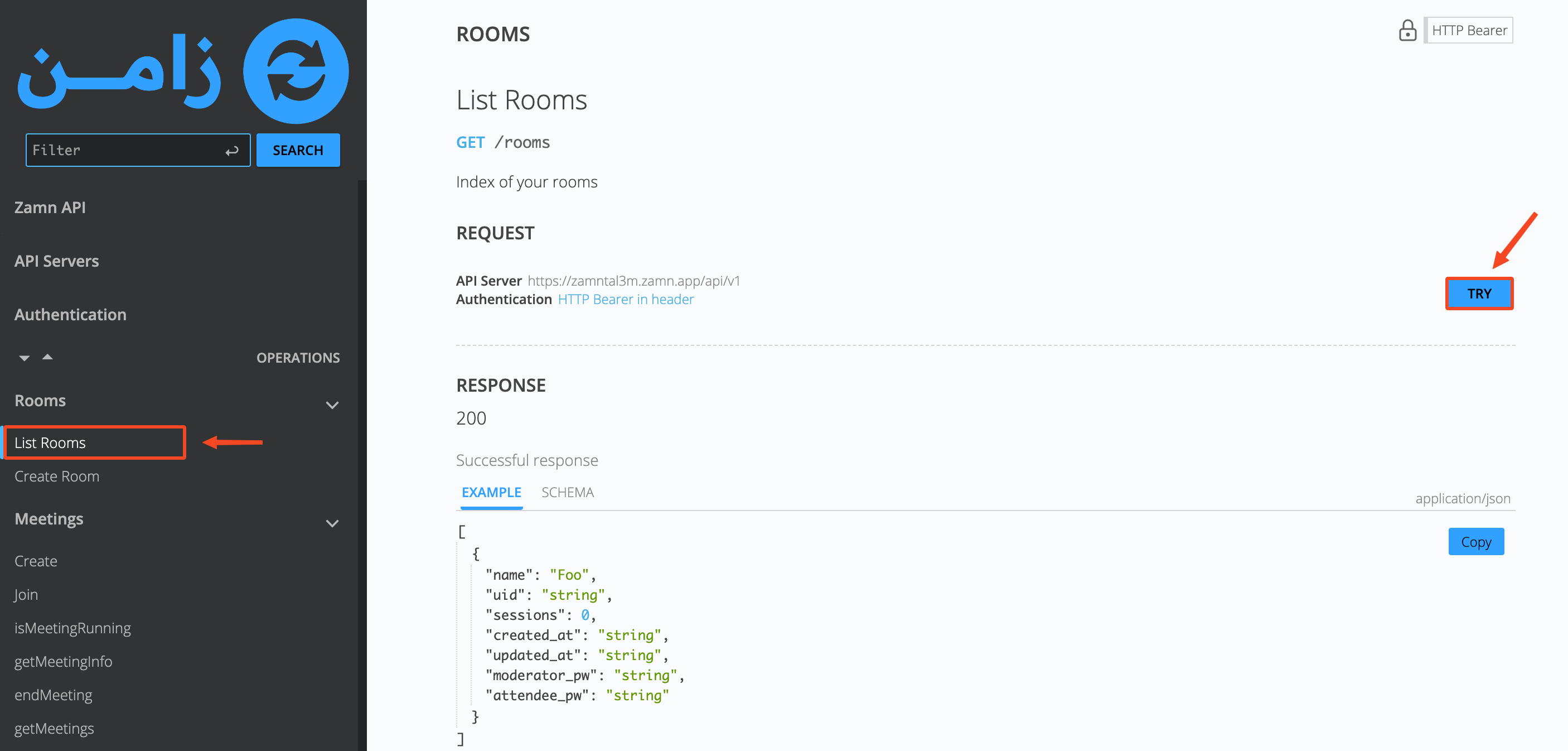
The list of your rooms shows in the response.