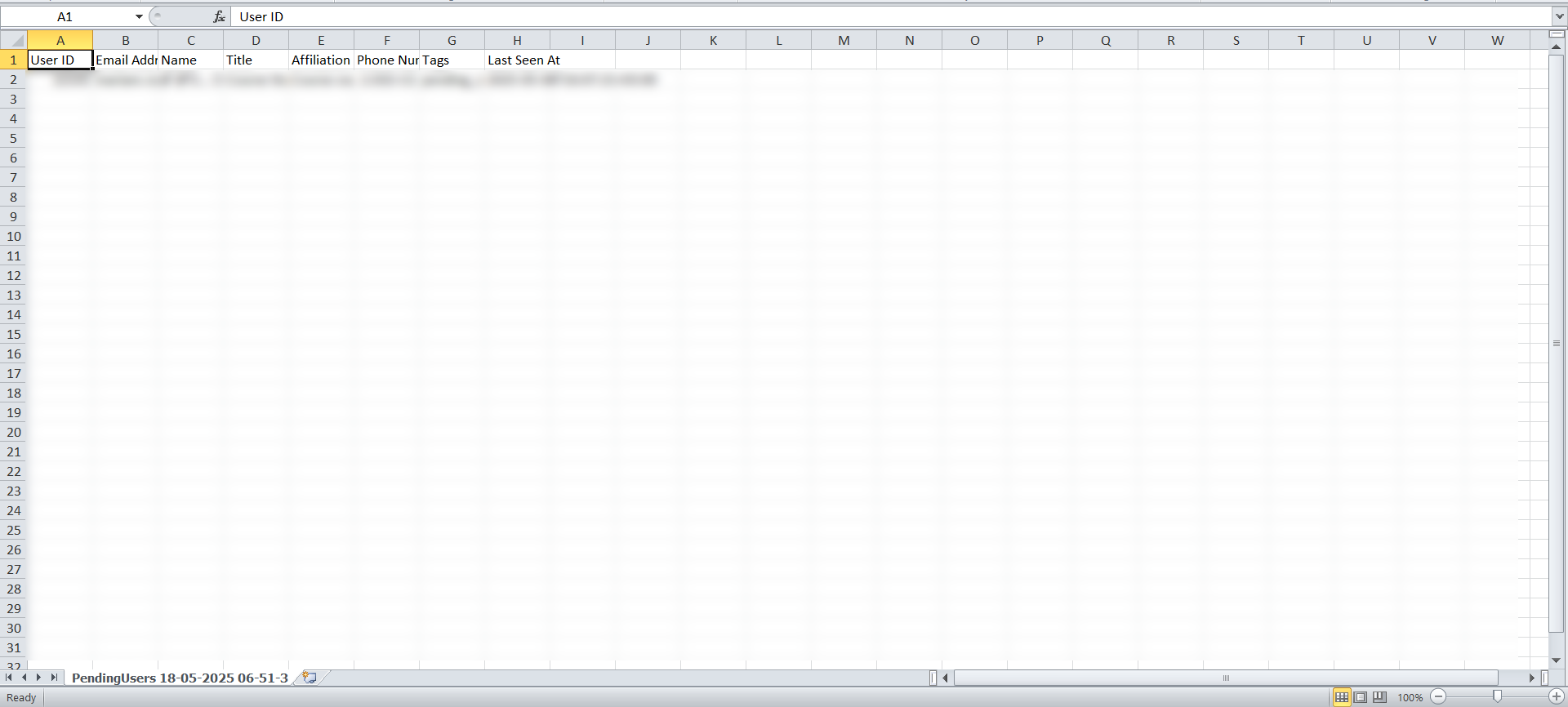
Abandoned cart
Exporting abandoned cart data shows you the customers who added products to their cart but did not finish paying. This helps you contact them and encourage them to complete their order.
How to get the abandoned cart list
-
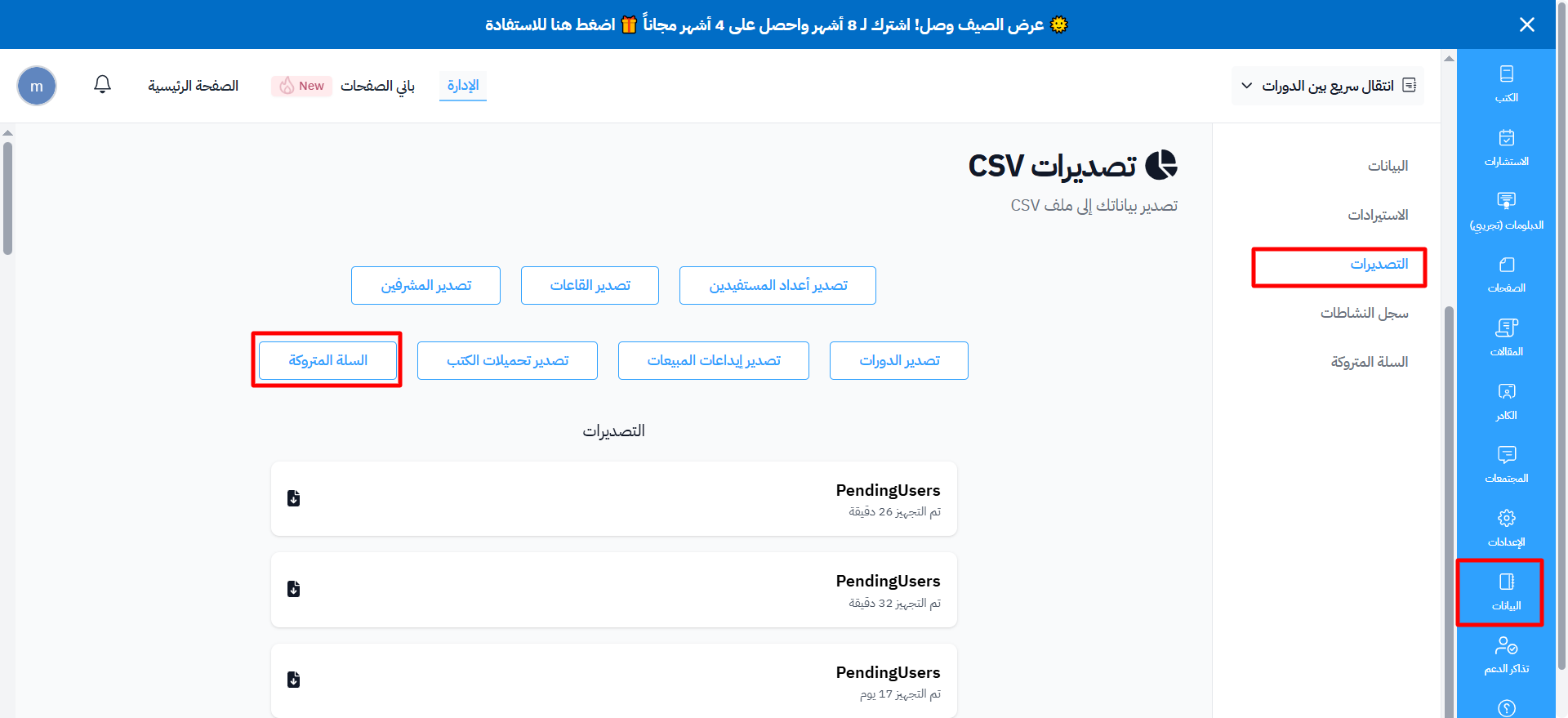
From the dashboard, go to Data.
-
Go to the Exports page.
-
Click New Export. A side panel opens with the export types.
-
Under People, click Export next to Pending Users.
-
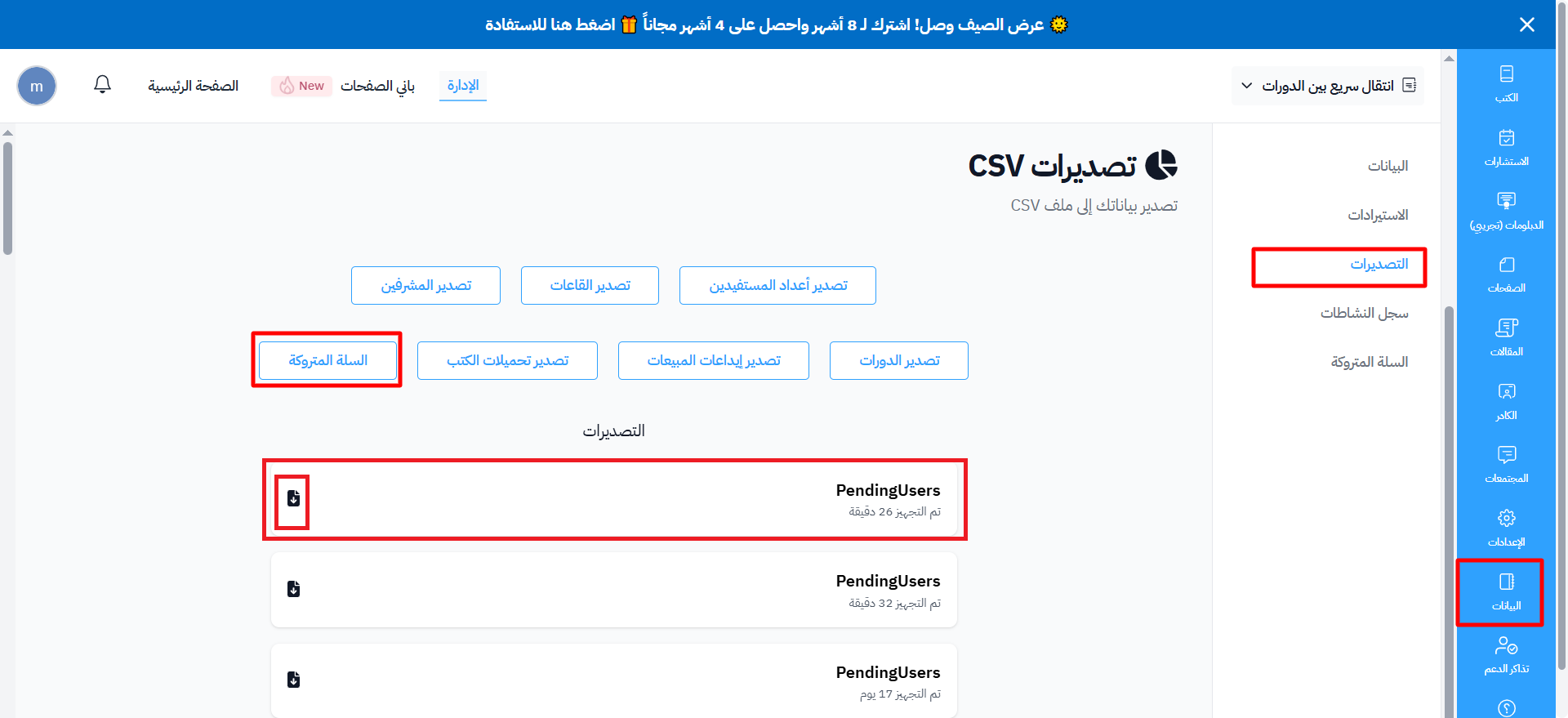
A message tells you that the export is being processed. The file shows right away as a row in the exports table, with the status Preparing. Wait until its status is Ready.
-
Click the ⋯ (Actions) button at the end of the file's row, then click Download.
The exported file lists the customers who left products in their cart without finishing the purchase. This makes it easy to follow up with them and target them again.