Zamn Pay
Zamn Pay is a fast and safe payment method, and a simple way to accept online payments. With it, you can sell courses, e-books and consultations on your platform without signing up for any outside payment service.
When you turn on Zamn Pay, your customers can pay online for your digital services with many payment methods, including:
- Apple Pay
- Visa
- Mastercard
- Mada
These options give your customers more choice and make it easier for them to pay for your services.
How to turn on Zamn Pay
-
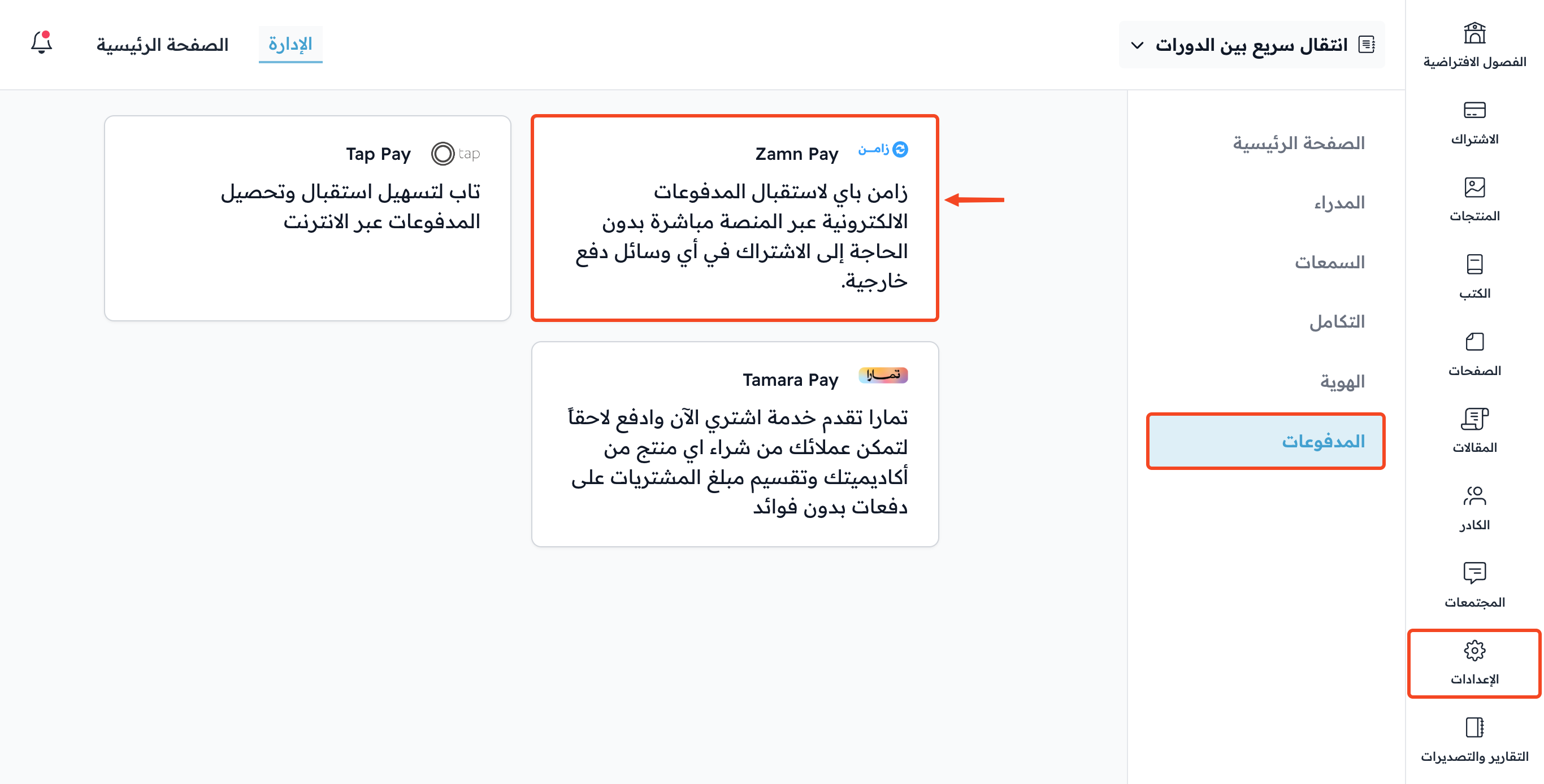
From Settings in the dashboard, go to the Payment Methods page.
-
Click Zamn Pay.
-
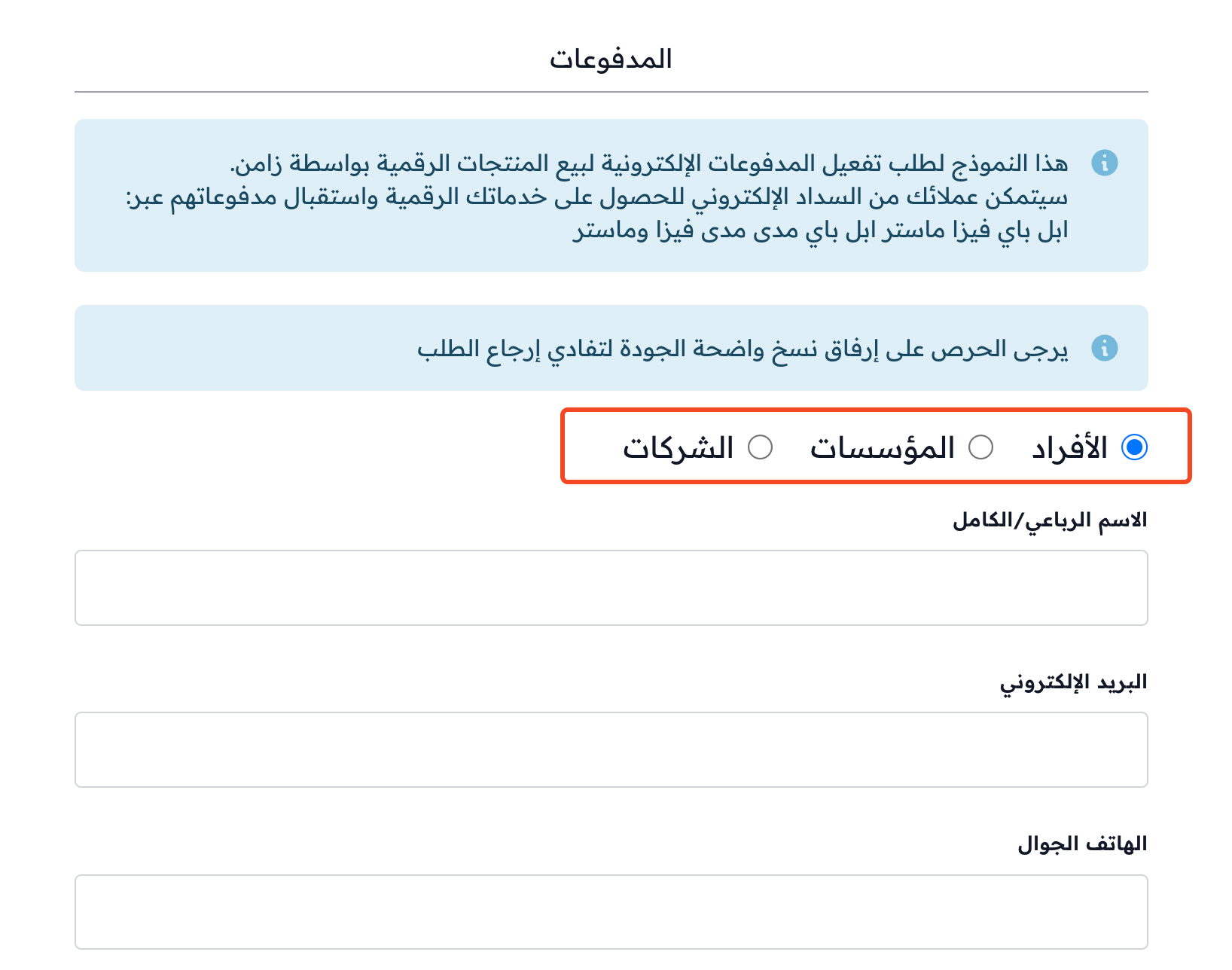
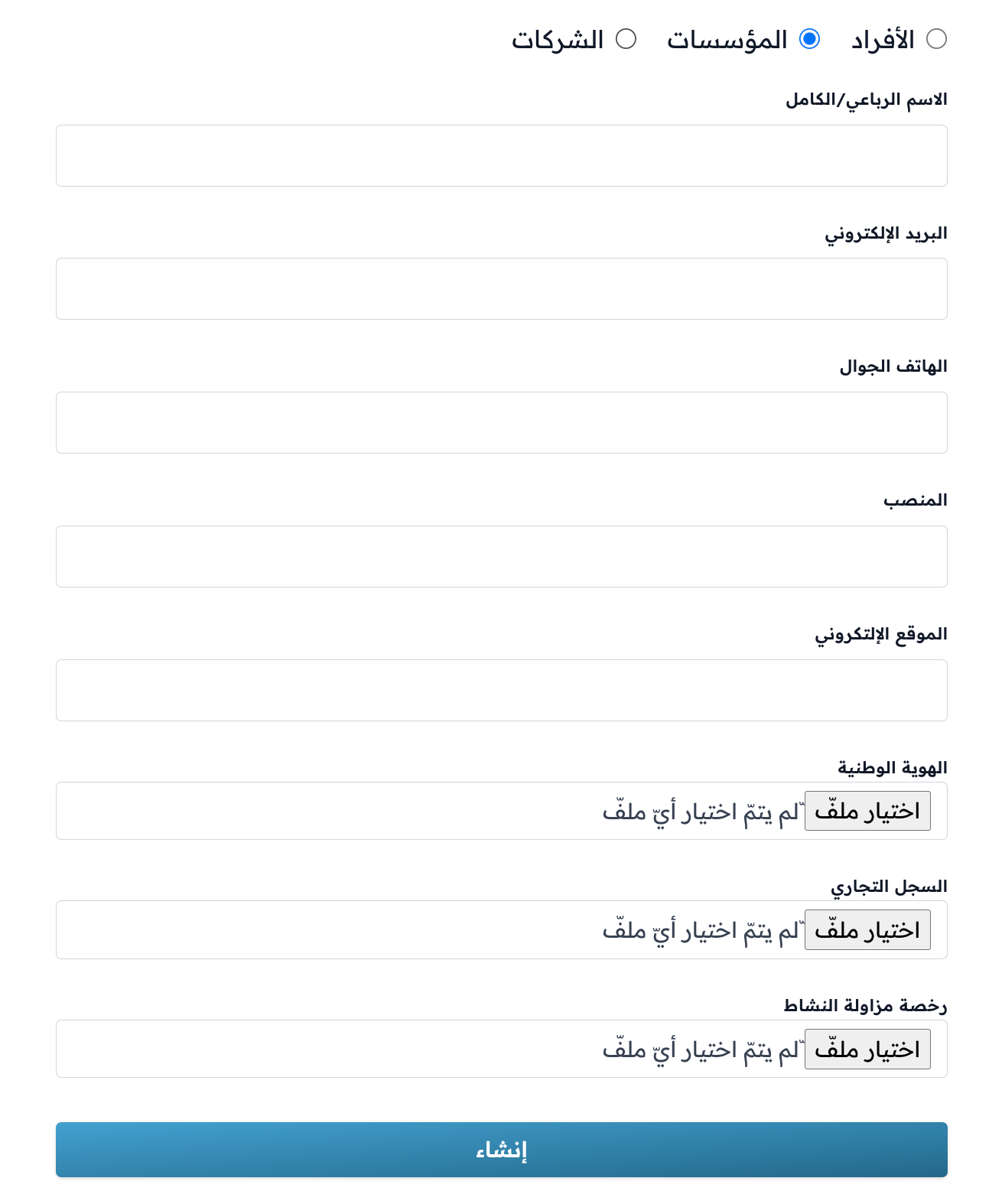
Choose whether your platform belongs to Individuals, an Organization or Companies.
-
Fill in the details and attach the required files, including the Identity Number and the IBAN.
-
Click Create to send the request for review by the Zamn team.
The required details and files may change based on your choice (Individuals, Organization or Companies). Attach clear copies of the files so the request is not sent back.
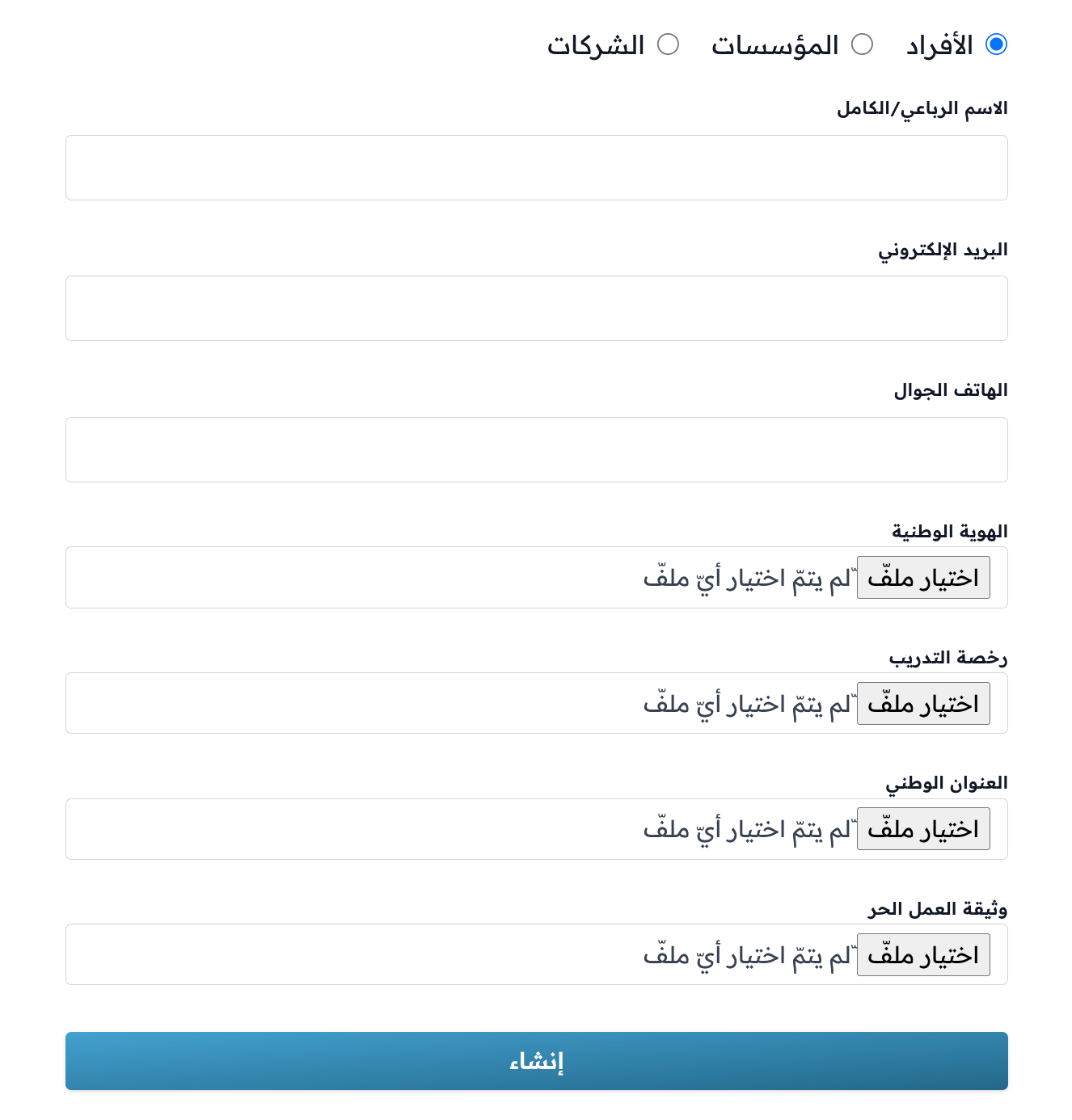
Example of the details and files required for individuals:
Example of the details and files required for organizations:
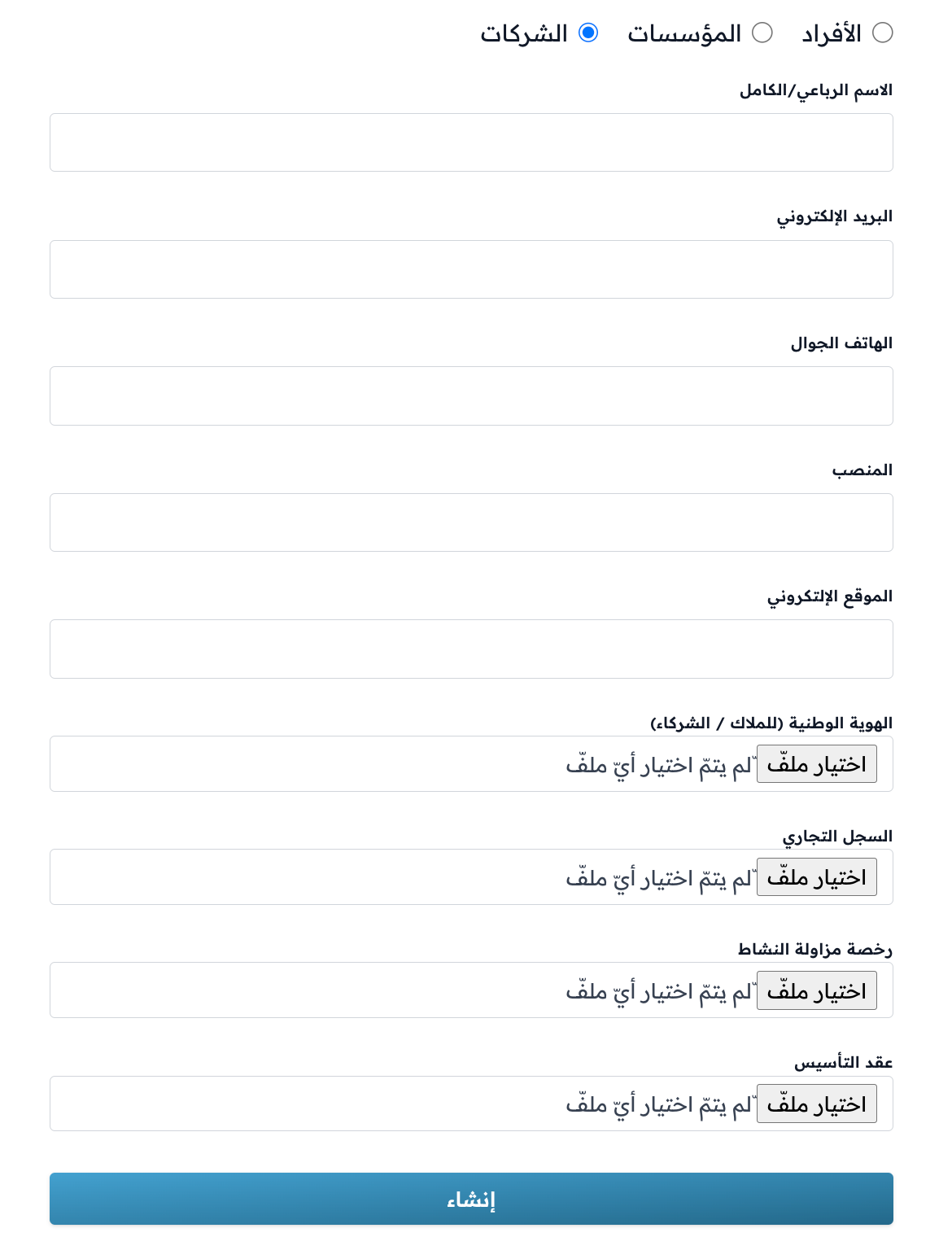
Example of the details and files required for companies: