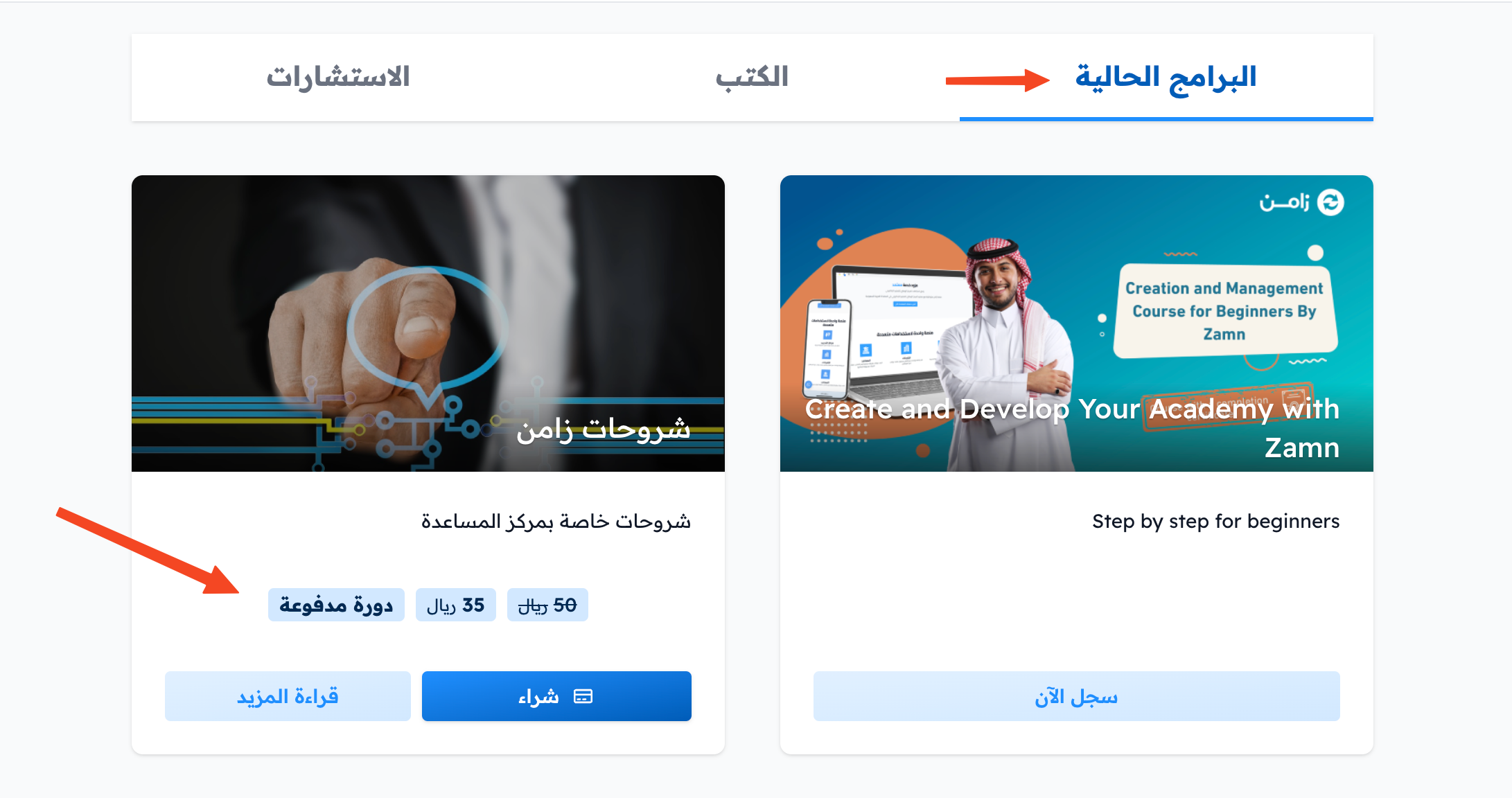
Add a program as a product for sale
After you create the course and add content to it, you can turn it into a product for sale by following these steps. These steps are for the platform admin.
Steps to add the course as a product for sale
-
From the main menu in the dashboard, go to Product Management, then choose Products.
-
Click Create Product.

-
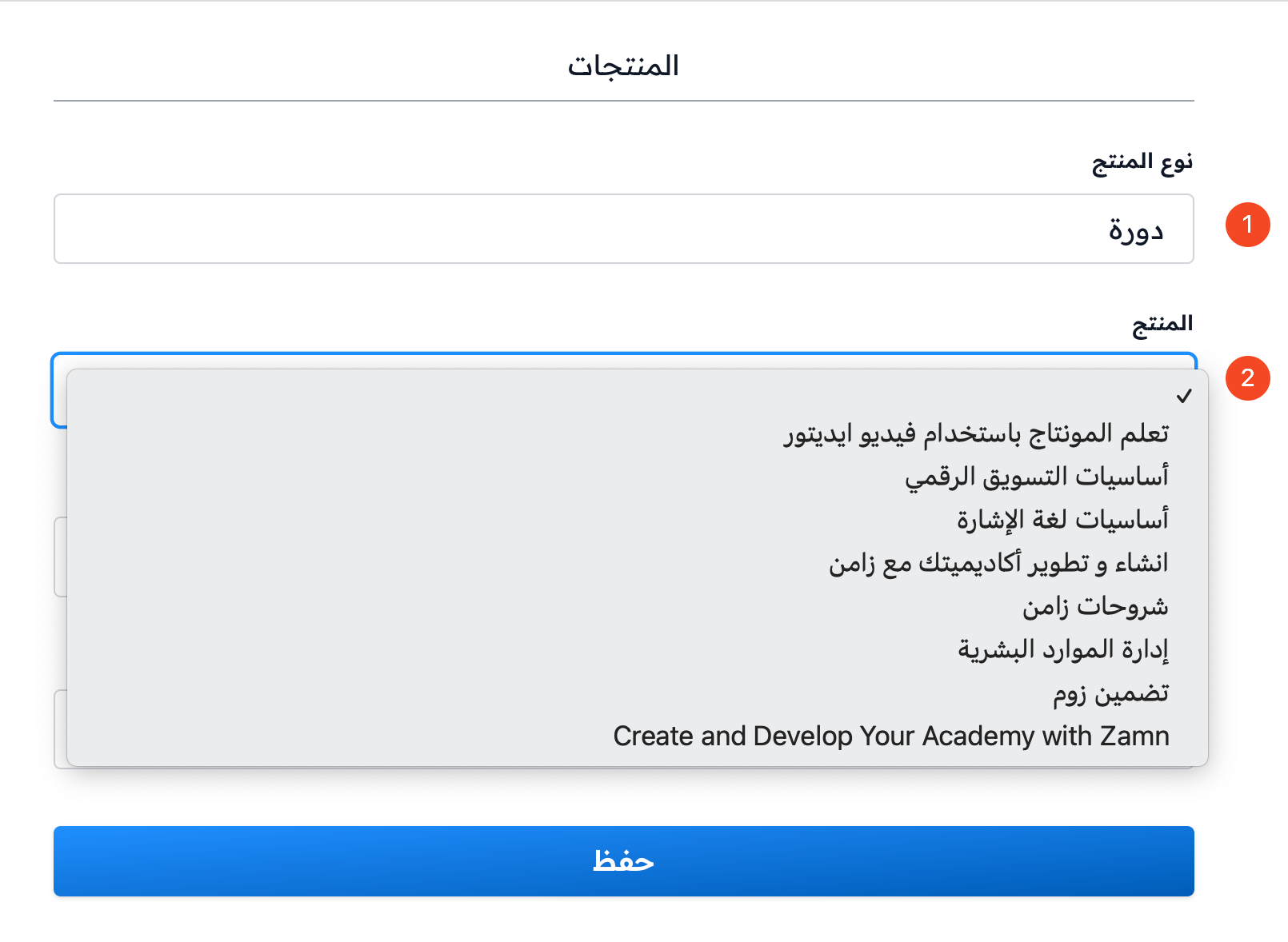
In Product Type, choose Course.
-
In Product, choose the course from the list.
-
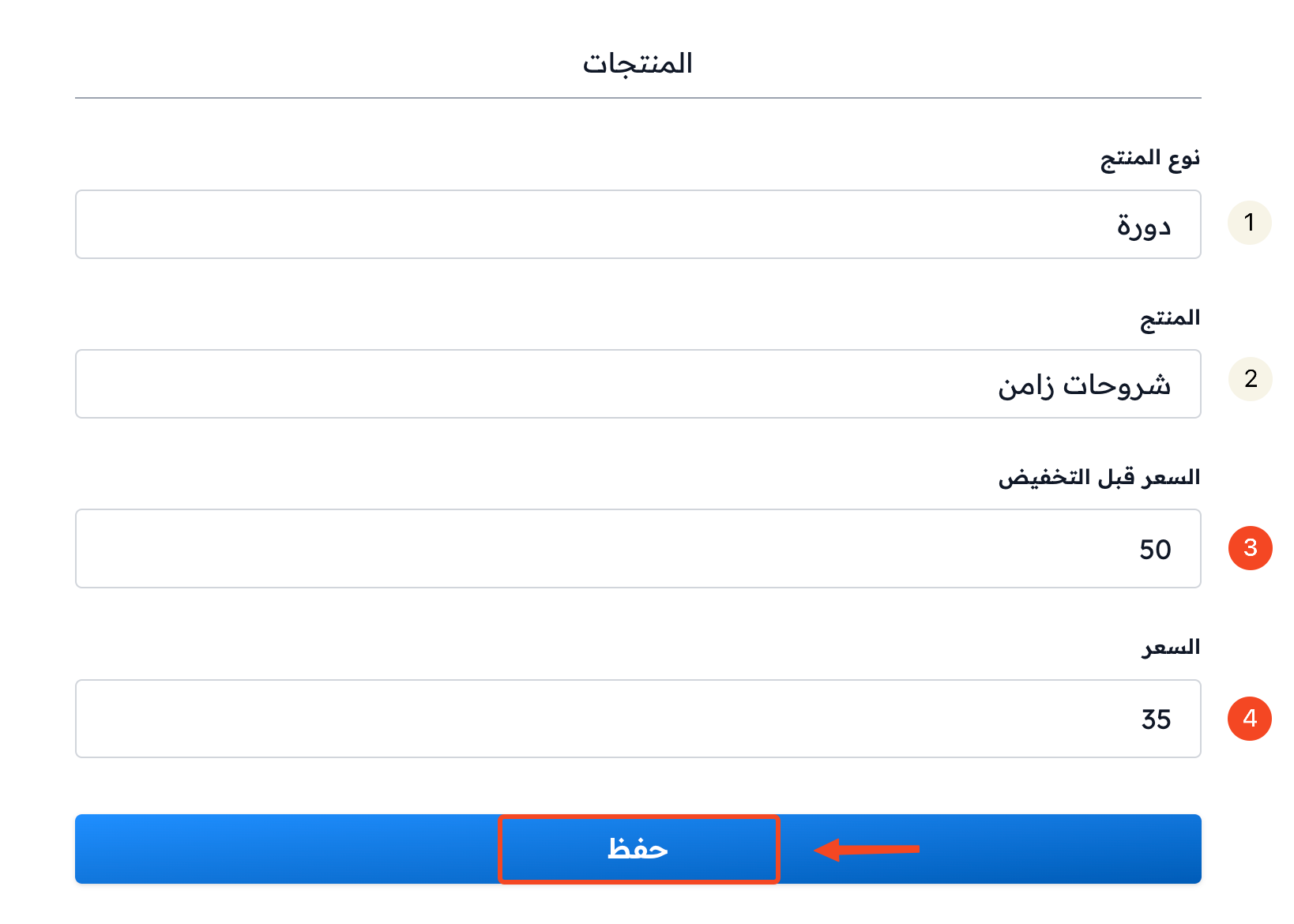
Enter the current price of the product in the Price field.
-
You can add a Price before reduction.
-
Click Submit.
You can see an example of a paid course on the Zamn platform home page.