Sell products with subscriptions
You can sell your products with a monthly subscription instead of a one-time payment. These steps are for the platform admin.
The platform owner must state the subscription period clearly in the product details, so the subscriber understands it before subscribing.
After you create the course and add content to it, you can turn it into a product for sale by following these steps:
Steps to turn on subscription selling
-
Sign in to your platform dashboard.
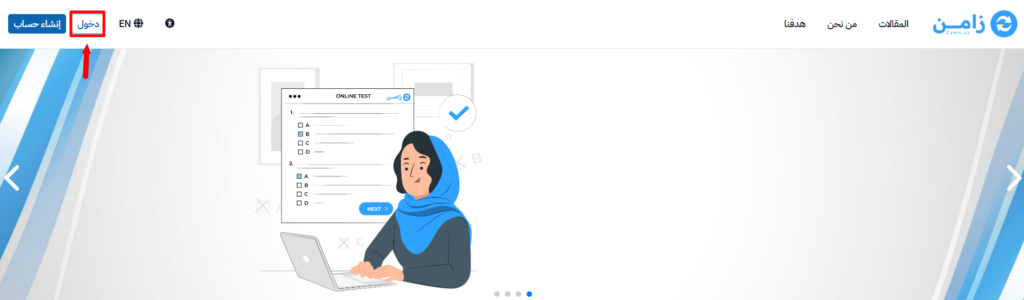
-
From the main menu, go to Product Management.
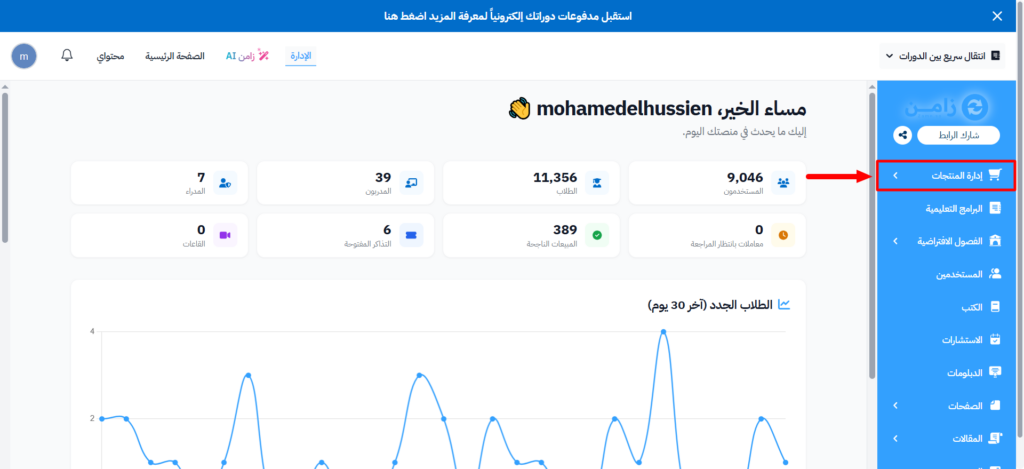
-
Choose Products.
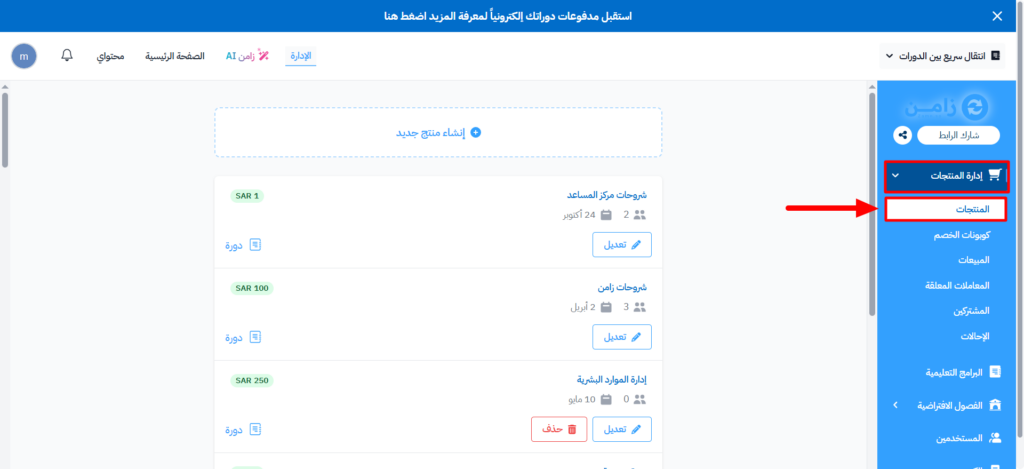
-
On the Products page:
- Click Create Product, then choose the product type and the product, and enter the price,
- Or click the ⋯ (Actions) button at the end of the row of an existing product, then click Edit.
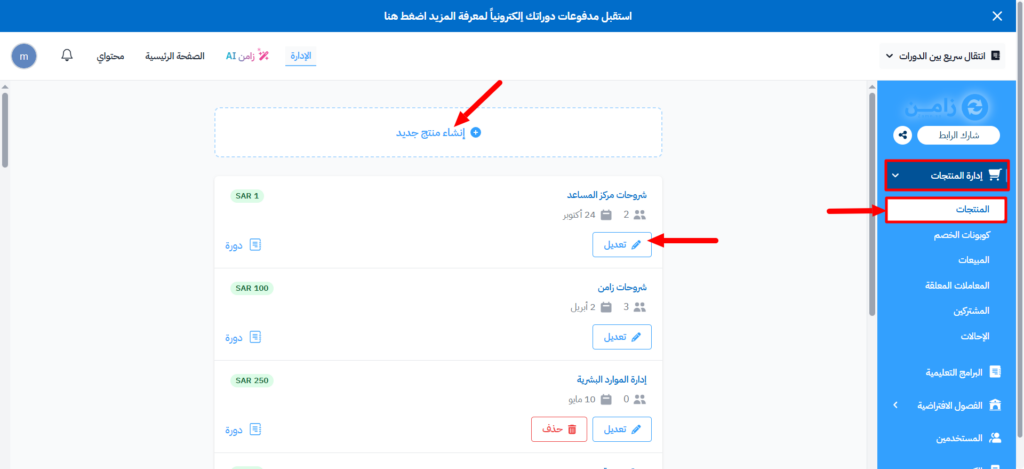
-
Turn on Sell as a monthly subscription. The amount is charged to the subscriber every month, and if a payment fails, they lose access to the content.
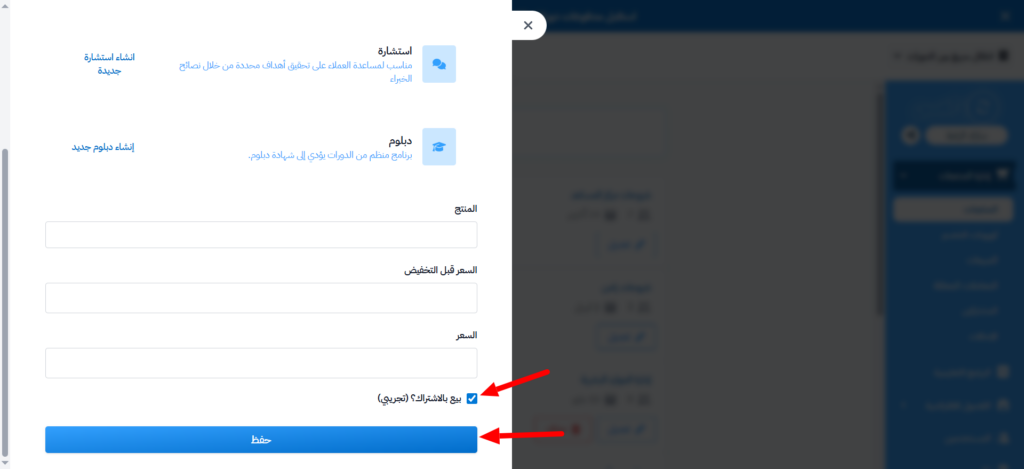
-
Click Submit.
After you turn it on, your website shows a Subscribe button instead of a Buy button.
Subscription sales only support credit card payments. Apple Pay and installment options such as Tabby and Tamara are not supported.