Turn off subscription selling
If you no longer want to sell a product as a monthly subscription, you can turn this option off in the product settings. These steps are for the platform admin.
Steps to turn off subscription selling
-
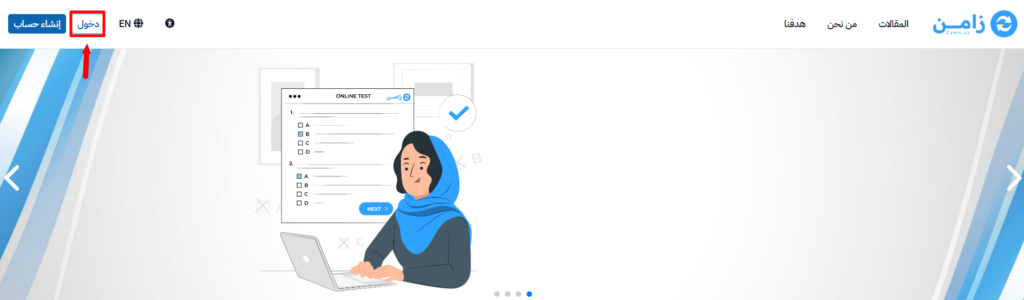
Sign in to your platform dashboard.
-
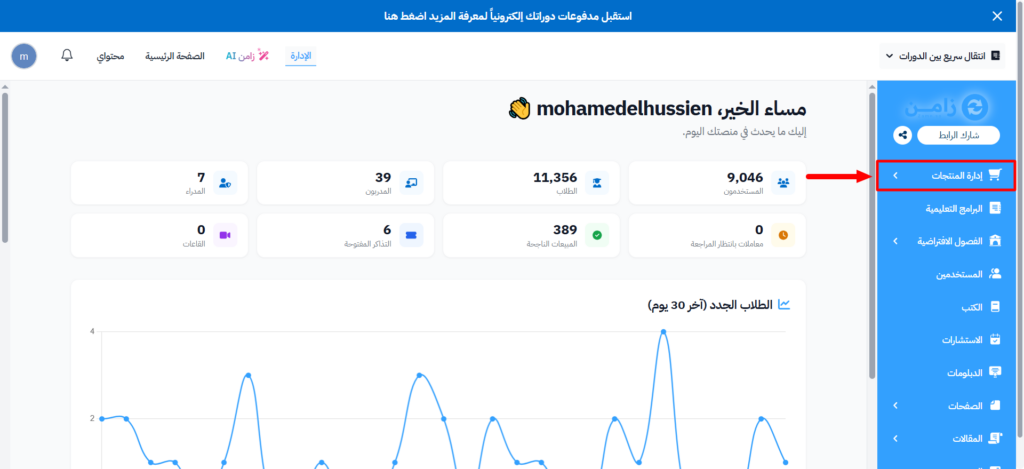
From the main menu, go to Product Management.
-
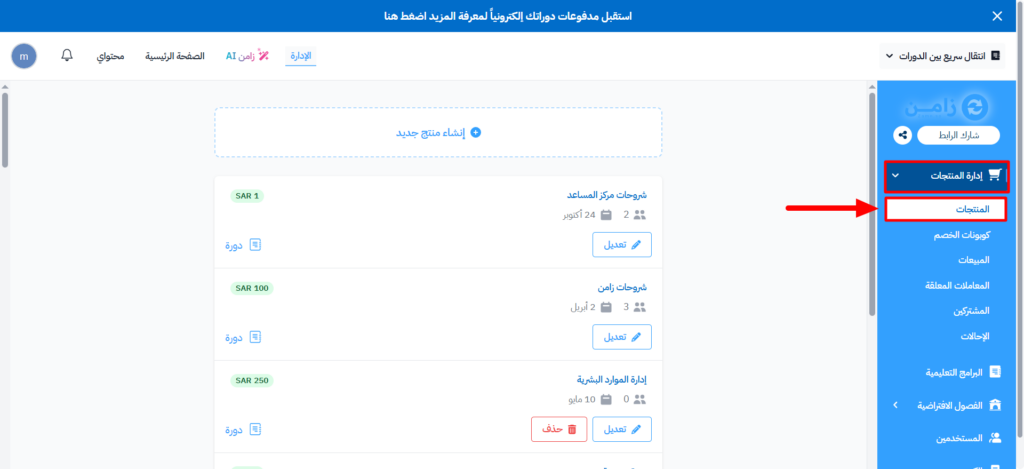
Choose Products.
-
On the Products page, click the ⋯ (Actions) button at the end of the row of the product you want to change.
-
Click Edit.
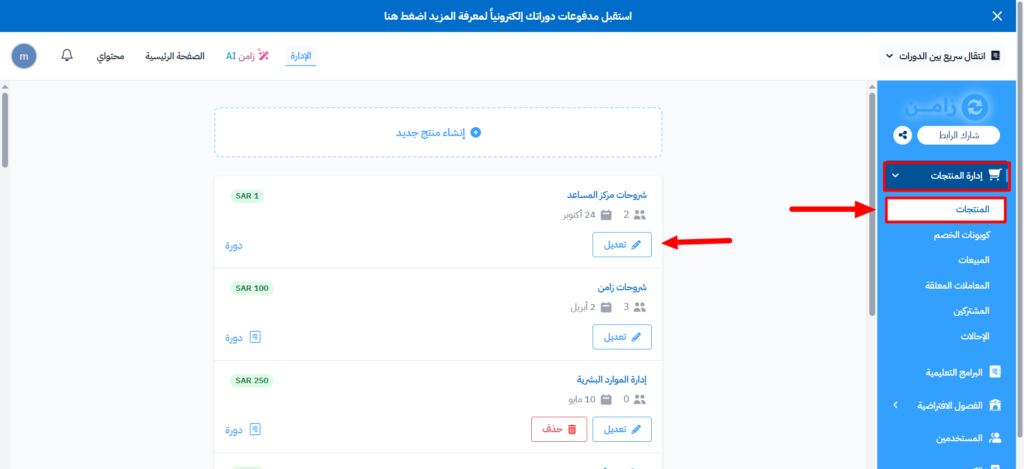
You can also click the product name to open the edit form.
-
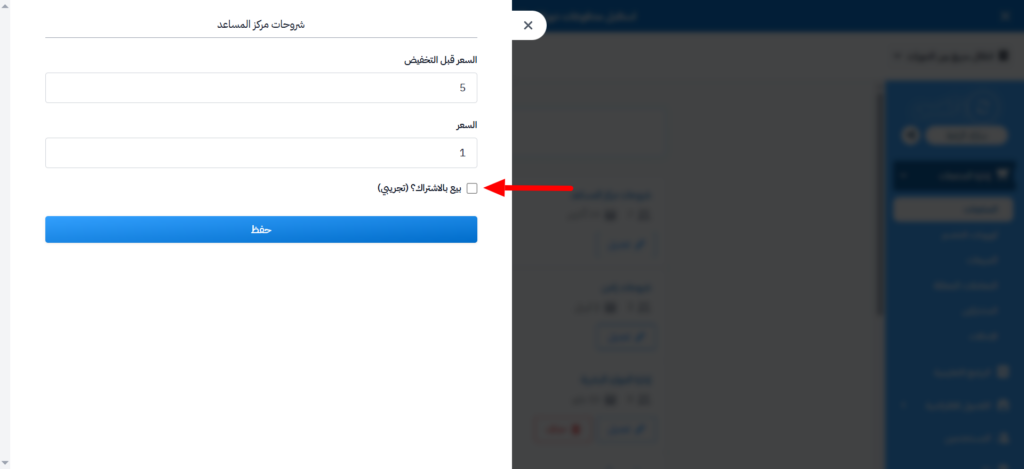
Turn off Sell as a monthly subscription.
-
Click Submit.